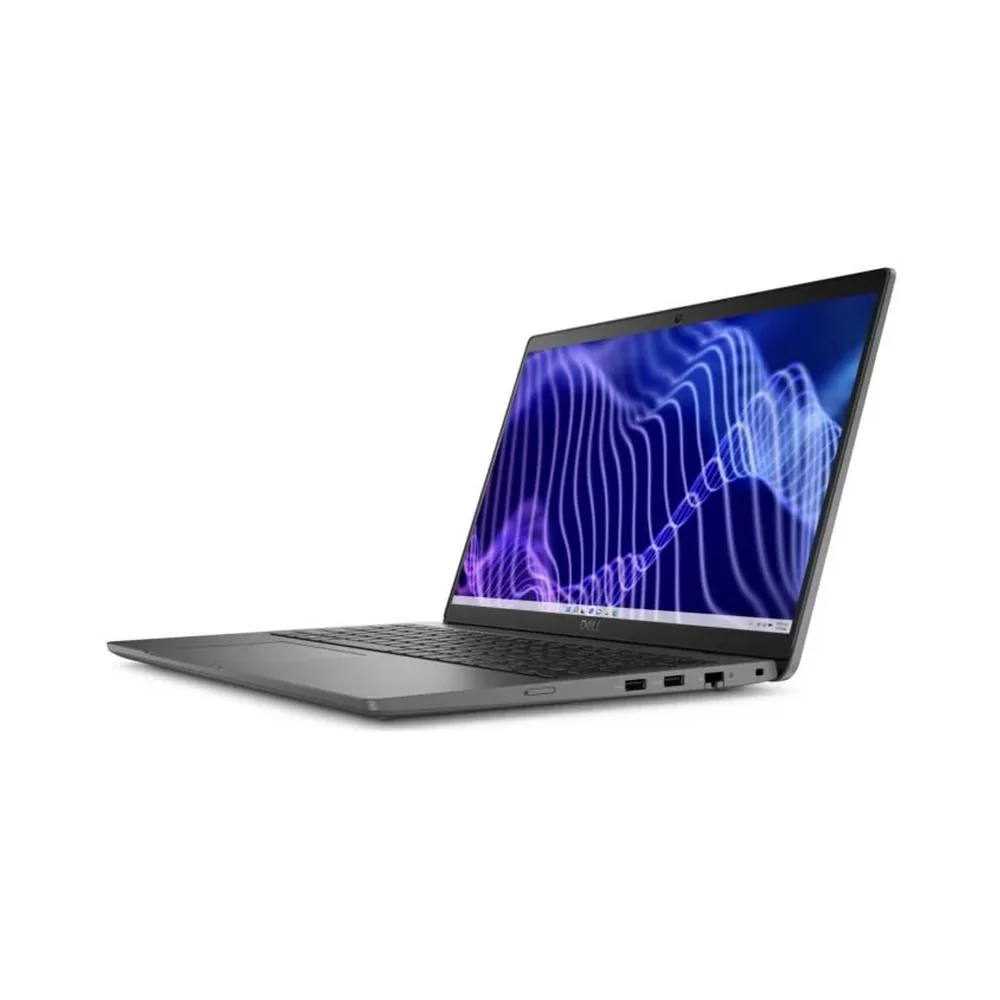
Buying a used laptop can feel like a smart decision — you get the performance you need without spending a fortune. But let’s be honest: it also comes with worries. What if the laptop doesn’t last? What if the battery dies too quickly? What if you end up paying for hidden issues the seller never told you about?
If you’re planning to invest in a second-hand laptop, here are the most important things to keep in mind to make sure your money is safe and you get real value.
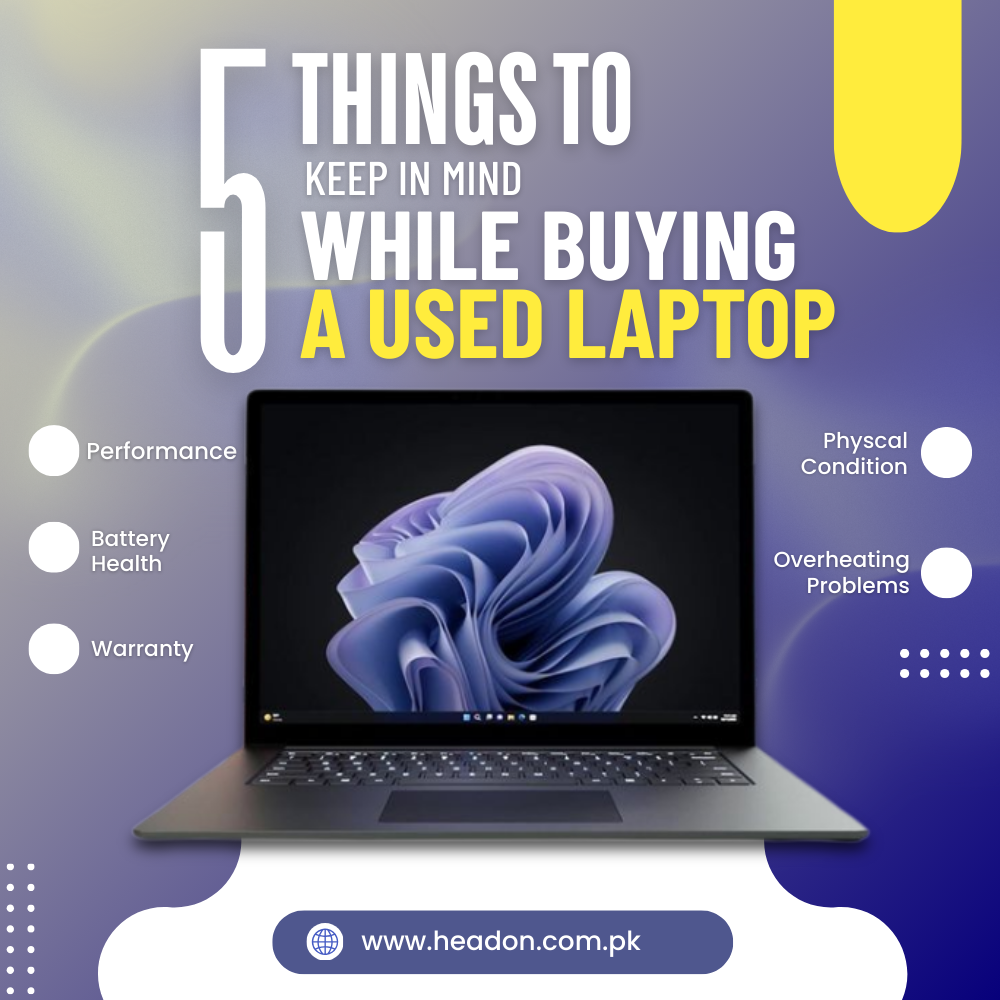
- Check the Performance
When buying a used laptop, don’t just focus on looks or price—performance matters most. Always check the specifications carefully before making a decision.
- Go for newer processors such as Intel Core i5/i7 or AMD Ryzen 5/7. These deliver better efficiency and smooth multitasking compared to older models.
- At least 8GB RAM is enough for everyday tasks like browsing and office work. But if you plan to run heavier applications (designing, editing, or gaming), 16GB or more is recommended.
- An SSD is far more reliable and faster than a traditional HDD. Aim for at least a 256GB SSD for basic use, or 512GB+ if you need to store large files and software.
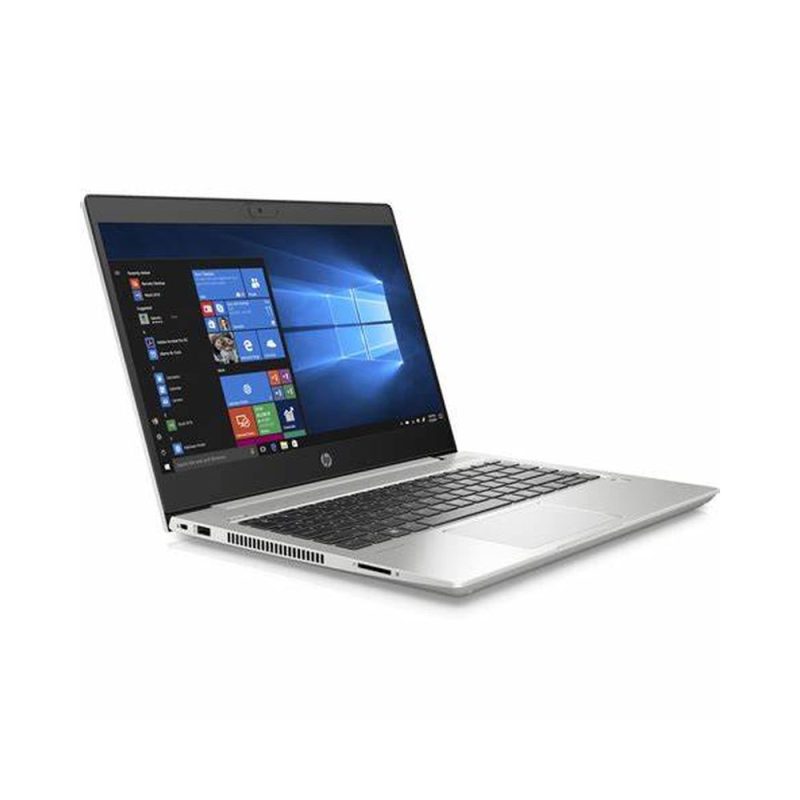
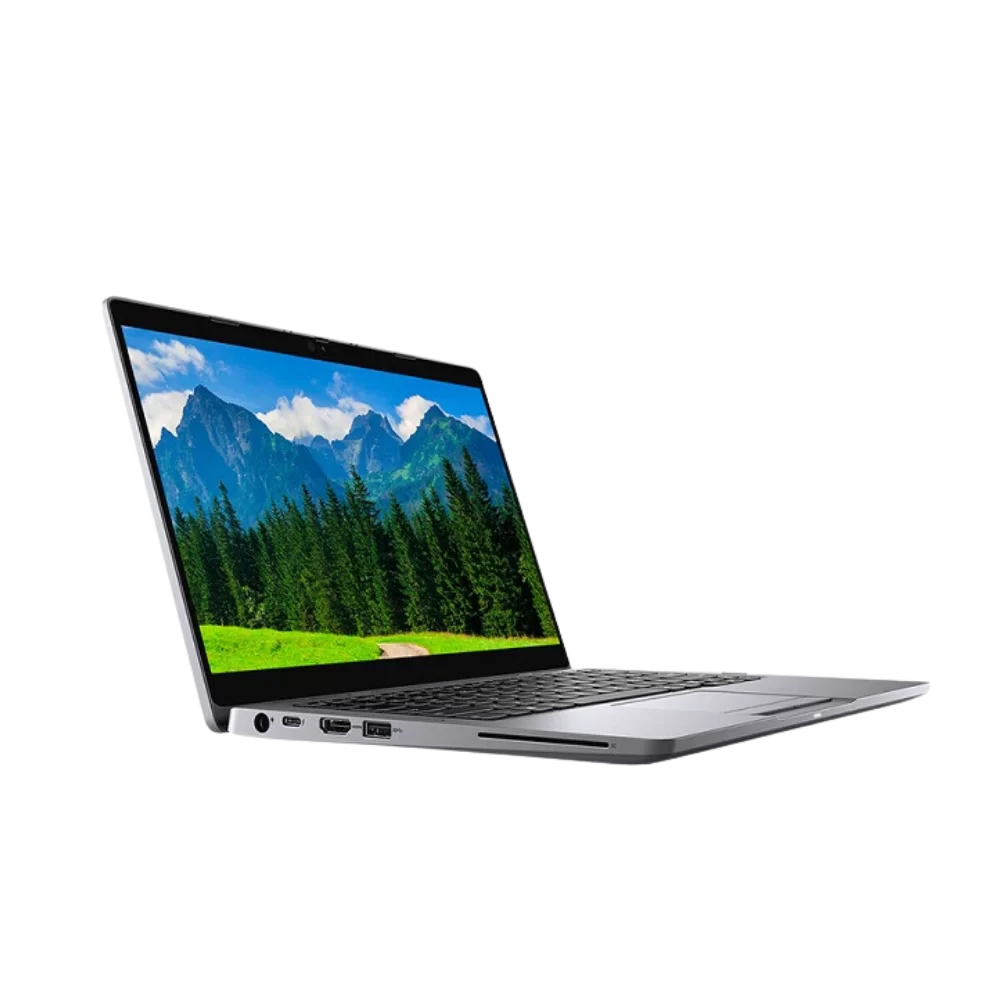
At Headon Systems, we provide a wide range of carefully tested laptops with different configurations, ensuring you get the right balance of performance, storage, and speed for your needs.
- Battery Health & Charging Issues
One of the biggest complaints with used laptops is poor battery life. Be sure to ask about the laptop’s average battery life on a full charge. Check how long it runs under normal usage conditions and ensure it aligns with your daily needs. A good choice is one that lasts long enough without forcing you to recharge too often.
At Headon, we thoroughly check battery performance before putting any laptop on sale, ensuring you won’t face sudden shutdowns during work or class.
- Check the Physical Condition
Look carefully for scratches, dents, or broken hinges. A damaged body doesn’t always mean the laptop is useless, but it does hint at how the device was handled. The keyboard and touchpad should be checked thoroughly as well. Look out for stuck or unresponsive keys, and ensure the touchpad works smoothly without any delays.
- Look for Overheating Problems
In Pakistan’s weather, overheating can be a serious issue. A used laptop with poor cooling may run fine at first but will slow down or even damage internal components after a few months. Run the laptop for at least 15–20 minutes during testing to see if it heats up abnormally.
- Warranty & After-Sales Support
The biggest fear customers share is: “What if something goes wrong after I buy it?” That’s why choosing the right seller is crucial. A private seller might disappear after the deal, leaving you with no support.
This is where Headon Systems stands apart. We not only provide carefully inspected used laptops but also back them with full customer support, so you have peace of mind even after your purchase.
Final Thoughts
Buying a used laptop doesn’t have to be risky if you know what to look for. Focus on the condition, battery life, performance, overheating issues, and after-sales support before making a decision.
At Headon Systems, we believe in giving our customers the best value with high-quality used laptops that are tested, reliable, and backed with complete support. Whether you’re a student, freelancer, or professional, our goal is to make sure you never regret your purchase.